Guide · Customization
INKWAVE Locker Guide — Presets, Hair, Faces and Outfits
How the INKWAVE locker works: ten squidkid presets, eight hair styles, four headgear, eight eye colours, four brows, nine skin tones and ten outfits, plus shuffle and your splashtag.
Key facts
- Ten presets set a complete look in one click
- Eight hair styles, four headgear, eight eye colours and four brows
- Nine skin tones and ten outfits
- Your team's colour always appears in your hair
- Your look saves in the browser; there is no account and no cloud save
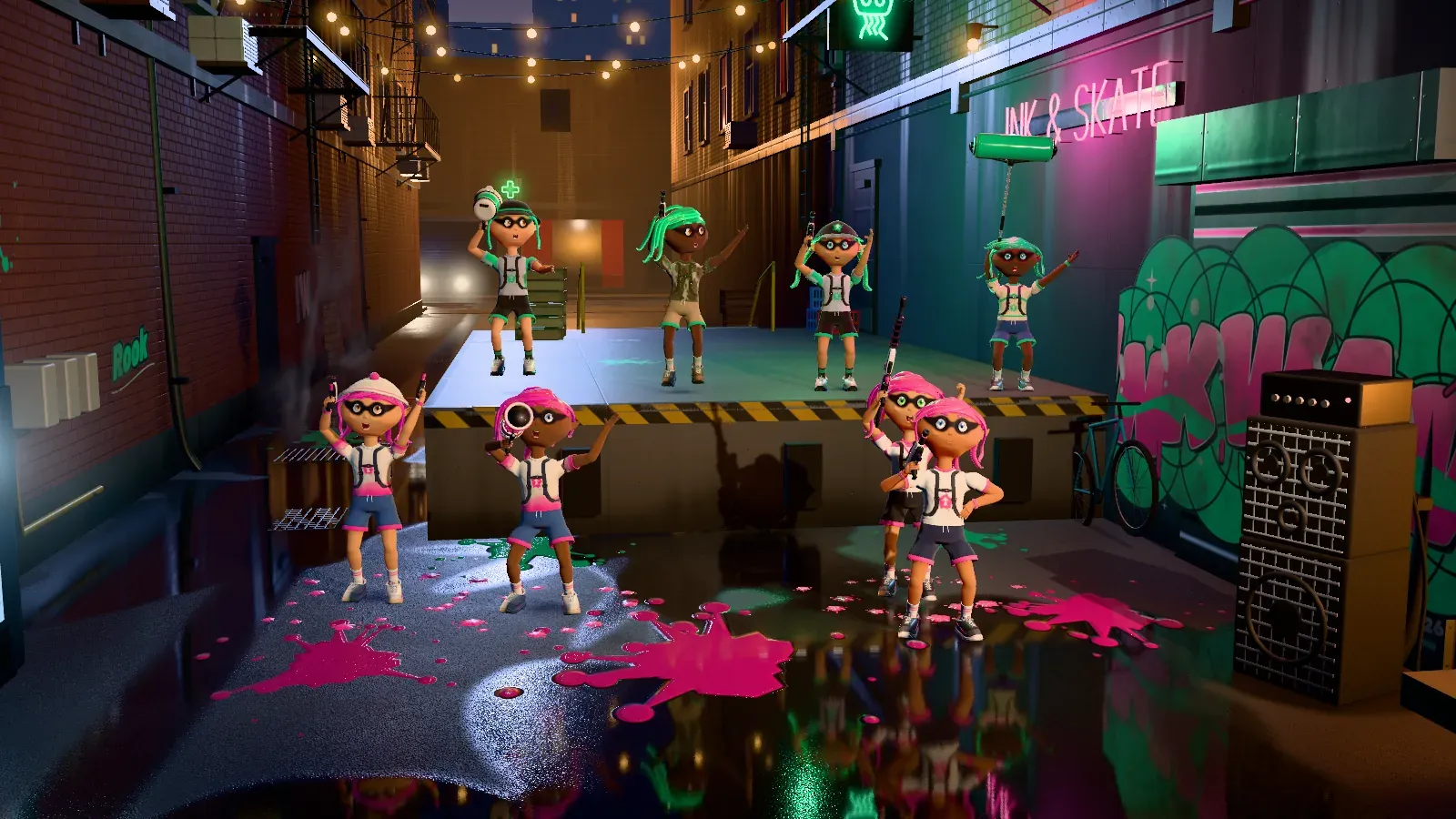
The locker is where you build your squidkid. It opens from the main menu and has four tabs: SQUIDKIDS, HAIR, FACE and OUTFIT. Every choice is cosmetic; your weapon is a separate choice in the loadout. The locker saves each change as you make it.
The four tabs
- SQUIDKIDS — ten presets that set a full look at once.
- HAIR — eight tentacle styles and four pieces of headgear.
- FACE — eight eye colours, four brows and nine skin tones.
- OUTFIT — ten outfits.
The ten presets
The presets are Rookie, Dash, Pip, Coral, Marlo, Riptide, Nori, Suki, Kelp and Skipper. A preset sets hair, headgear, face and outfit together, which makes it the fastest way to a finished look. The tile marks itself as worn when your current look matches the preset exactly, so change any single field and the preset releases.
Press R (or the gamepad alternative) to SHUFFLE a random look from every list at once. Roughly one in three shuffled looks includes headgear.
Hair and headgear
- Hair styles — Tide, Spike, Twin, Bob, Pony, Crest, Knot and Swoop.
- Headgear — None, Snapback, Beanie and Bucket Hat.
Hair colour is not a slider: your team colour shows in your hair, so teammates and opponents read at a glance. In a Turf War one team is one colour and the other team is another.
Face
- Eyes — Amber, Lagoon, Violet, Lime, Rose, Hazel, Frost and Ember.
- Brows — Classic, Bold, Arched and Straight.
- Skin — Rosy, Peach, Tan, Cocoa, Porcelain, Honey, Olive, Chestnut and Ebony.
Outfits
The outfits are Basic Ringer, Night Pinstripe, Raglan Runner, Chevron Tee, Breton Stripe, Splatter Tee, Splat Camo, Dip-Dye Tee, Pro Jersey and Track Top. The squidkids themselves are procedural: the sculpted head, the eyes with real lids, blinking and gaze, the layered outfits and the sneakers are all built in code.
Your name and splashtag
Your player name allows up to 16 characters; extra spaces collapse and a blank name is refused. The game builds a splashtag from that name: a two-word title plus a four-digit number from #1000 to #9999. There are 288 possible title pairs, and the game picks yours from the name, so it stays the same between sessions.
Team colours
A Turf War uses one of five ink palettes: Tangerine vs Cobalt, Bubblegum vs Mint, Lemon vs Grape, Aqua vs Cherry, or Lime vs Magenta. The host picks the palette in an online room, and the offline setup screen has the same choice.
The Settings menu also has a Colorblind-safe inks option that swaps the palette for high-contrast yellow and blue. It changes only the two ink colours, not the game rules.
How the locker saves
Your profile is stored in your browser under inkwave.profile. It holds your
name, level, XP, wins, matches, total turf, chosen weapon and the six look
indices (hair, skin, outfit, eyes, headgear and brows). Settings save separately
and also live in the browser.
Two consequences are worth knowing:
- There is no account and no cloud save, so a look does not follow you to another device or browser.
- Clearing site data removes the profile. The option lists only ever grow at the end, so a saved look keeps working when the game adds new items.
Keep reading
- Specials and Splat Bombs — what your kit can do
- How to Play — controls and match rules
- Features — everything in the game
- Play INKWAVE — take your look into a match