Guide · Online
Play INKWAVE Online with Friends — Rooms, Codes and Hosts
How INKWAVE online play works: create a private room, share the five-character code, set the stage and rules as host, use emotes, and see what happens when a player drops.
Key facts
- Private rooms hold up to eight players, four to a team
- A room code is five characters and avoids look-alike letters and digits
- The host picks the stage, time of day, mode, match length and bot fill
- A player who drops becomes a bot; if the host leaves, the room moves to the oldest player
- There is no account, no public matchmaking and nothing to install
INKWAVE has online multiplayer, and it runs in the browser like the rest of the game. Online play uses private rooms instead of public matchmaking: you create a room, the game gives you a five-character code, and the people you send it to join with that code. There is no account, no download and no friend list to sign into.
Create a room
From the main menu, choose Online, then Create a room. The game returns a five-character code, and you send it to your friends.
- A room holds up to eight players, four to a team.
- The code is five characters from an alphabet that leaves out look-alike pairs such as O and 0, so it is easy to read aloud.
- The code space has more than seventeen million combinations.
- Rooms are private: only people with the code can join.
The room runs on the project’s own relay at relay.inkwavegame.com. The relay
only moves messages between players; your browser still simulates your squidkid
and the game itself runs on your machine.
The game was updated recently? A protocol mismatch shows “Please refresh the page — the game was updated”. Refresh and create a new room.
Join a room
Choose Online, then Join a room, and type the code. Capital letters are not required, and spaces or dashes are ignored.
| Message | What it means | What to do |
|---|---|---|
| Room not found | The code is wrong or the room has closed | Check the code with the host |
| Room is full | Eight players are already in the room | Wait for a free slot or start a second room |
| Match in progress | The room locked when the match started | Wait for the results; the room returns to the lobby |
| Lost connection to the room | Your connection dropped during play | Rejoin with the same code if the room is still open |
The lobby
The lobby shows every player live, with their team, weapon, look and ready state. There is also a row of emotes: Booyah, Wave, Dance and Flex, with a 1.3-second cooldown between uses. The whole room sees them.
- The host keeps teams balanced at four per side, so a team request can be refused.
- Pick a weapon and a locker look before you ready up.
- The match starts when the host and every other present player are ready. The host counts as ready.
- A slow-loading browser cannot hold the start forever; the match begins without it after a short fallback wait.
Host settings
The host owns the rules of the room:
| Setting | Options |
|---|---|
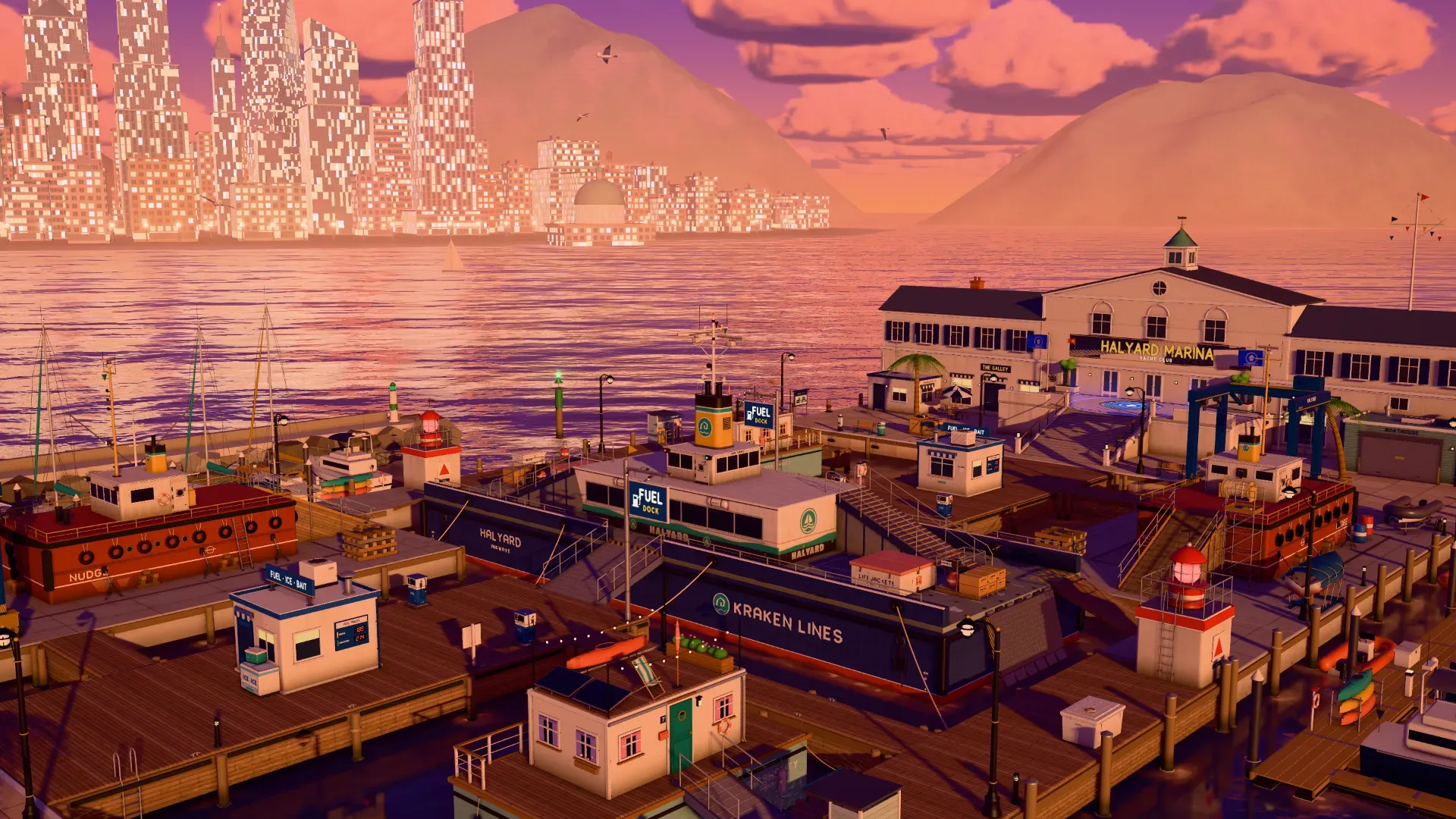
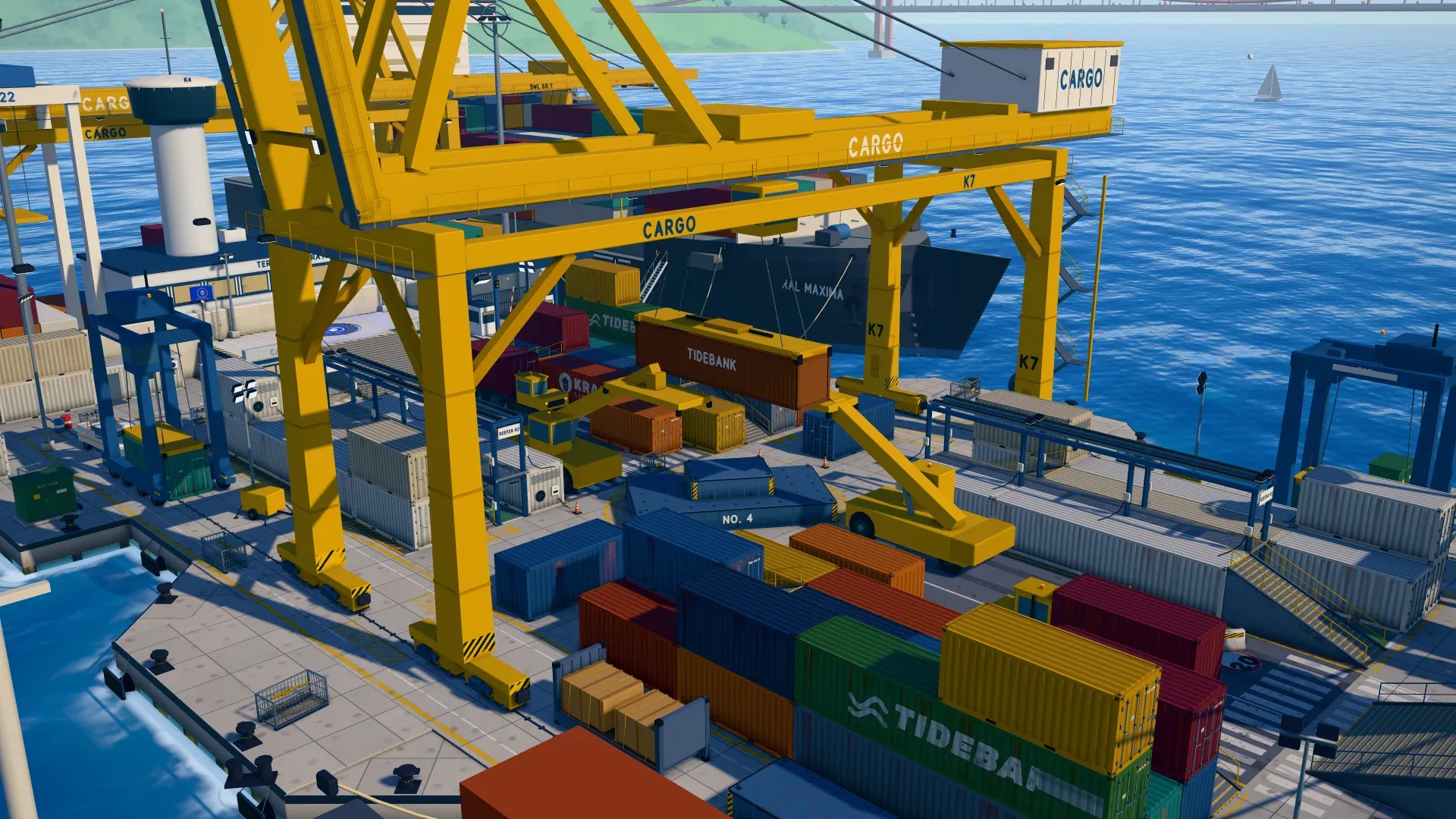
| Stage | Tidewater Plaza, Kelpline Terminal, Halyard Marina, Cargo Terminal (online only) |
| Time of day | Day or dusk |
| Mode | Turf War or Boss Battle |
| Match length | Turf War: 90 or 180 seconds. Boss Battle: 180, 240 or 300 seconds |
| Bots | On or off, at Chill, Fresh or Fierce difficulty |
| Team inks | Five palettes: Tangerine vs Cobalt, Bubblegum vs Mint, Lemon vs Grape, Aqua vs Cherry, Lime vs Magenta |
Two stage rules matter online. Cargo Terminal is online only and humans only: it needs at least two players, never fills with bots, and cannot host a Boss Battle. Choosing Boss Battle when Cargo Terminal is set moves the room to another stage.
What happens when someone drops
A match does not stop when a player leaves:
- A player who drops is replaced by a bot that takes over their squidkid exactly where the others last saw it.
- On Cargo Terminal, which never uses bots, the squidkid is removed instead and the teams can be uneven.
- If the host leaves, the room moves to the oldest remaining player, and the bots, the clock, the results and the boss go with it.
- The room locks during a match, so nobody joins in the middle. After the results, everyone returns to the lobby and the room reopens.
Practical tips
- Play on the HTTPS site at
inkwavegame.com; browsers block the Gamepad API on plain HTTP addresses, so controllers only work here. - Chrome and Edge are the target browsers, Firefox works, and Safari runs but is slower.
- There is no built-in voice chat. Use a call next to the game.
- The host should pick the stage the group knows; read the stage guides before a room night.
- New to the game? Start with the How to Play rules and the strategy guide.
Keep reading
- Boss Battle guide — take the room into a boss fight
- How to Play — controls, ink mechanics and match rules
- Technical overview — how the online relay works
- Play INKWAVE — create a room now